
What is Bar Graph Generator
Bar Graph Generator is a free online tool that allows users to create custom bar charts instantly without the need for Excel or complex software.
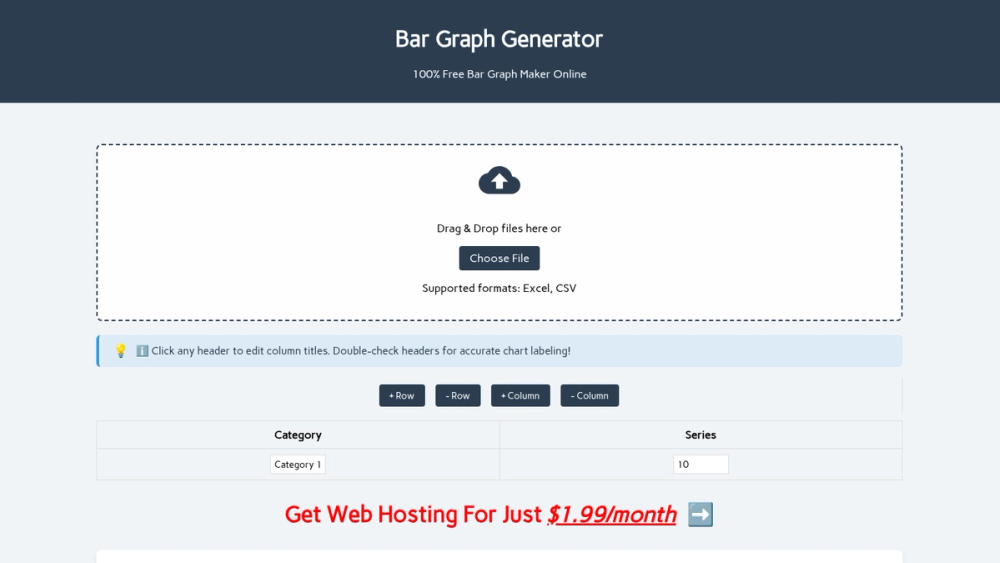
How to use Bar Graph Generator
- Input Your Data: Type directly, paste from spreadsheets, or drag-and-drop files.
- Customize Visually: Choose bar colors, switch orientations (vertical/horizontal), and toggle between stacked/grouped formats.
- Export & Share: Download HD images or embed interactive charts directly in websites/blogs.
Features of Bar Graph Generator
- Easy to use: No technical skills needed.
- Completely free: No hidden costs or premium features.
- Custom colors: Match your brand or presentation theme.
- Multiple formats: Vertical or horizontal, stacked or grouped.
- Instant download: Save as PNG with one click.
- Embeddable: Add to websites with generated code.
Use Cases of Bar Graph Generator
- Academic Excellence: Students and educators use bar charts to visualize research data and enhance project presentations.
- Business Intelligence: Professionals leverage business graphs to track KPIs and present market analysis to stakeholders.
- Scientific Research: Researchers rely on statistical graphs to display experimental results.
- Marketing Analysis: Marketers analyze campaign metrics and compare sales figures.
FAQ from Bar Graph Generator
- How accurate are the generated bar charts? Our bar graph generator uses precise calculations to ensure mathematical accuracy.
- Can I edit my chart after downloading? Absolutely! Simply reopen your data file in our bar chart creator to make changes.
- What's the difference between vertical and horizontal bar graphs? Vertical charts are ideal for time-based data, while horizontal layouts work better for long category names.
- Is there a limit to the data I can input? No, you can input as much data as needed for your bar chart.