
What is Veo2.Zone
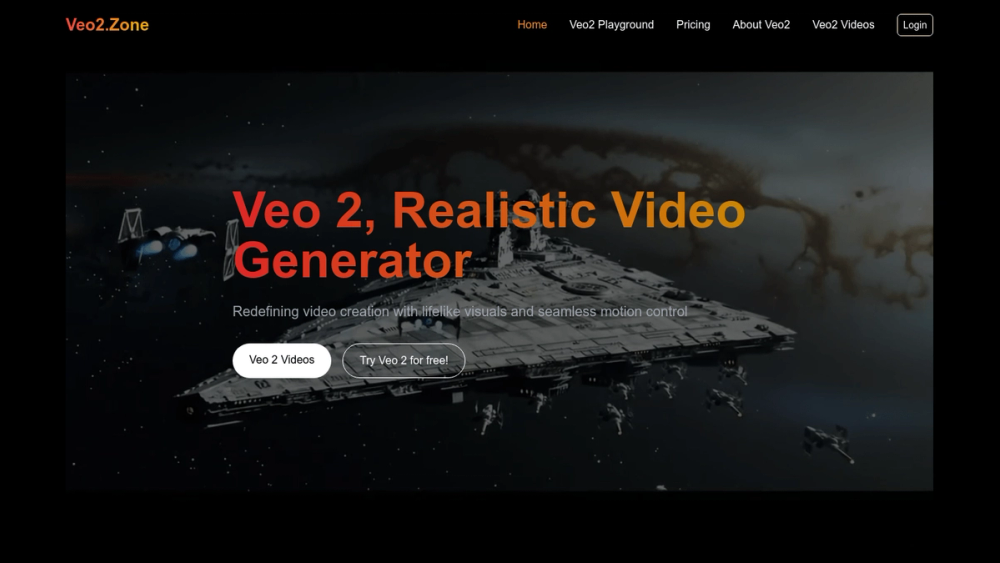
Veo2.Zone is Google's latest AI video generation model, Veo 2, designed to deliver high-quality 4K resolution videos with realistic motion and flexible camera controls.
How to use Veo2.Zone
- Visit the Veo2.Zone website.
- Navigate to the 'Veo2 Playground' to experiment with video generation.
- Choose your desired video style and input your prompts.
- Generate and preview your video output.
Features of Veo2.Zone
- 4K Resolution: Produces stunning videos in high-definition quality.
- Realistic Motion Control: Accurately simulates real-world physics for lifelike movements.
- Flexible Camera Controls: Allows users to manipulate camera angles and perspectives.
- User-Friendly Interface: Easy to navigate and use for both beginners and professionals.
- Diverse Video Styles: Supports various styles and themes for video generation.
Use Cases of Veo2.Zone
- Content Creation: Ideal for creators looking to produce high-quality video content.
- Marketing: Useful for businesses to create promotional videos with engaging visuals.
- Education: Can be used to generate educational videos that illustrate complex concepts.
- Entertainment: Perfect for filmmakers and animators to create unique video projects.
FAQ from Veo2.Zone
- What types of videos can I create with Veo 2? You can create a variety of videos, including promotional, educational, and artistic content.
- Is there a free trial available? Yes, you can try Veo 2 for free in the Veo2 Playground.
- What is the maximum resolution supported? Veo 2 supports video generation up to 4K resolution.
- Can I customize the video styles? Yes, you can customize camera angles and styles to fit your needs.
- How does Veo 2 compare to other video generation tools? Veo 2 outperforms many existing models in terms of visual quality and motion control.