Newsletter
Join the Community
Subscribe to our newsletter for the latest news and updates

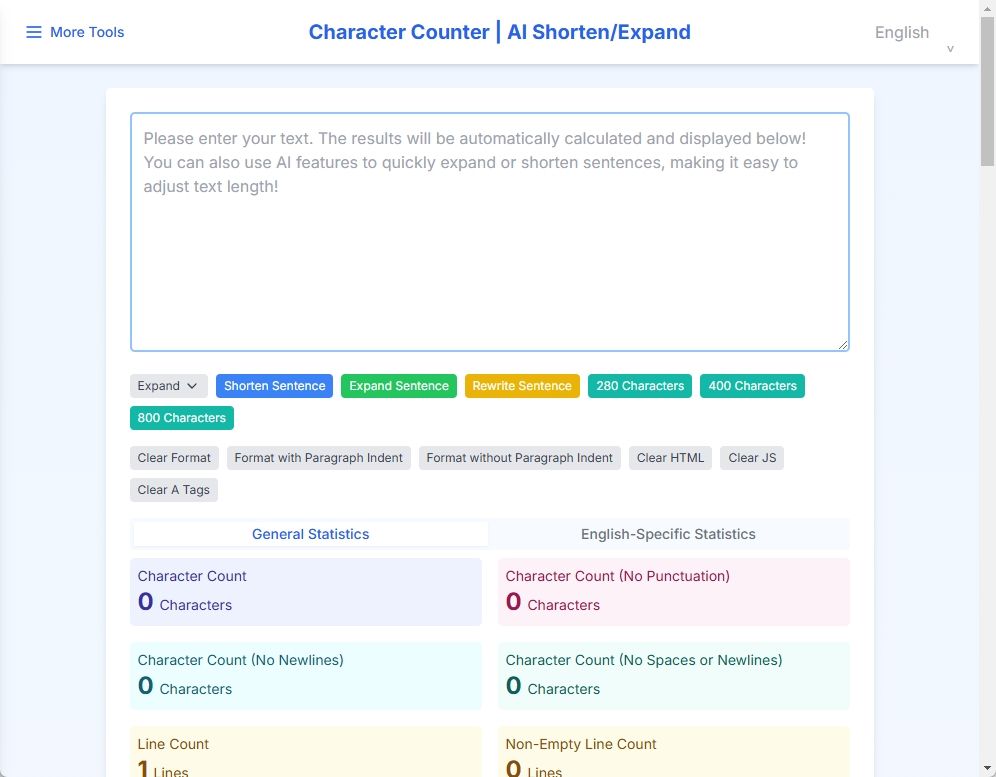
Easily calculate character count with our Word Counter tool. A free online tool convenient for writing and social media posting! You can also use AI features to quickly expand or shorten sentences, making it easy to adjust text length.

A website-checked AI tools directory that helps you browse broadly or find three tools that fit a specific goal.
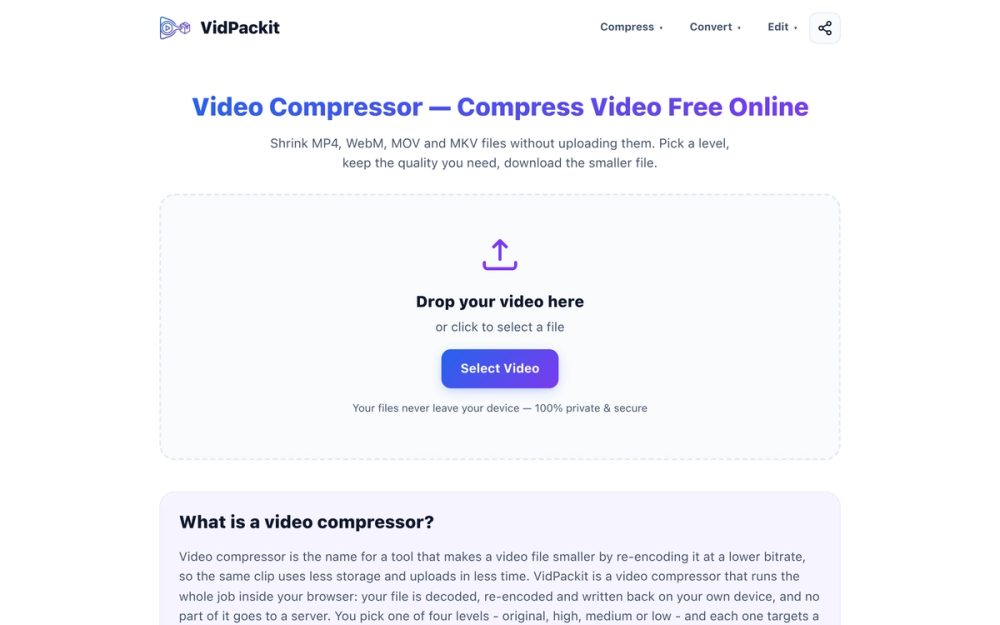
VidPackit is a free, 100% client-side online video compressor and converter. Shrink MP4, WebM, MOV, and MKV files directly in your browser without uploading them to any server, keeping your data completely private and secure.
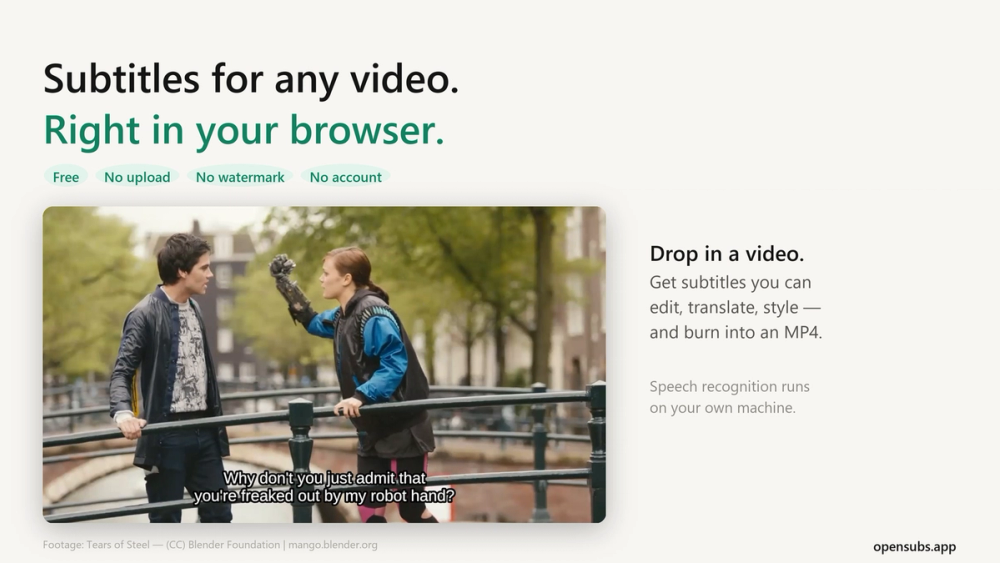
Generate, translate, style and burn subtitles into video, right in your browser. The video never leaves your machine. Free, no account, open source.
TextLen is an online tool that calculates the number of characters in a text in real time. It supports both English and Japanese and is equipped with AI functionality.
Q: Is TextLen free to use?
A: Yes, TextLen is free to use.
Q: What languages does it support?
A: It supports Japanese and English.
Q: Is the input text saved?
A: No, the input is not sent to the server, ensuring privacy protection.
Q: How is the character count calculated?
A: Both full-width and half-width characters are counted as one character, and line breaks are also counted as one character.
Q: How can I check social media character limits?
A: A warning will be displayed if the entered text exceeds the character limit for each platform.